
Publish and disappear
Most episodes go live once, reach existing subscribers, then vanish — while hours of valuable conversation sit unused.
The AI tool that repurposes your audio into viral TikTok & Reels clips, LinkedIn posts, blog drafts, show notes, and transcripts in 60+ languages — all ready to publish.
Stop spending 8 hours per episode. Do it in 10 minutes — no editor, no agency, no second subscription.
Projects
4
Active projects
Total Minutes
1,284
Content uploaded
Episodes
37
Published episodes
Shared
12
Shared with others
"The biggest mistake creators make is publishing once and walking away."
3 things I learned from 200 episodes of editing other people's podcasts... 📋
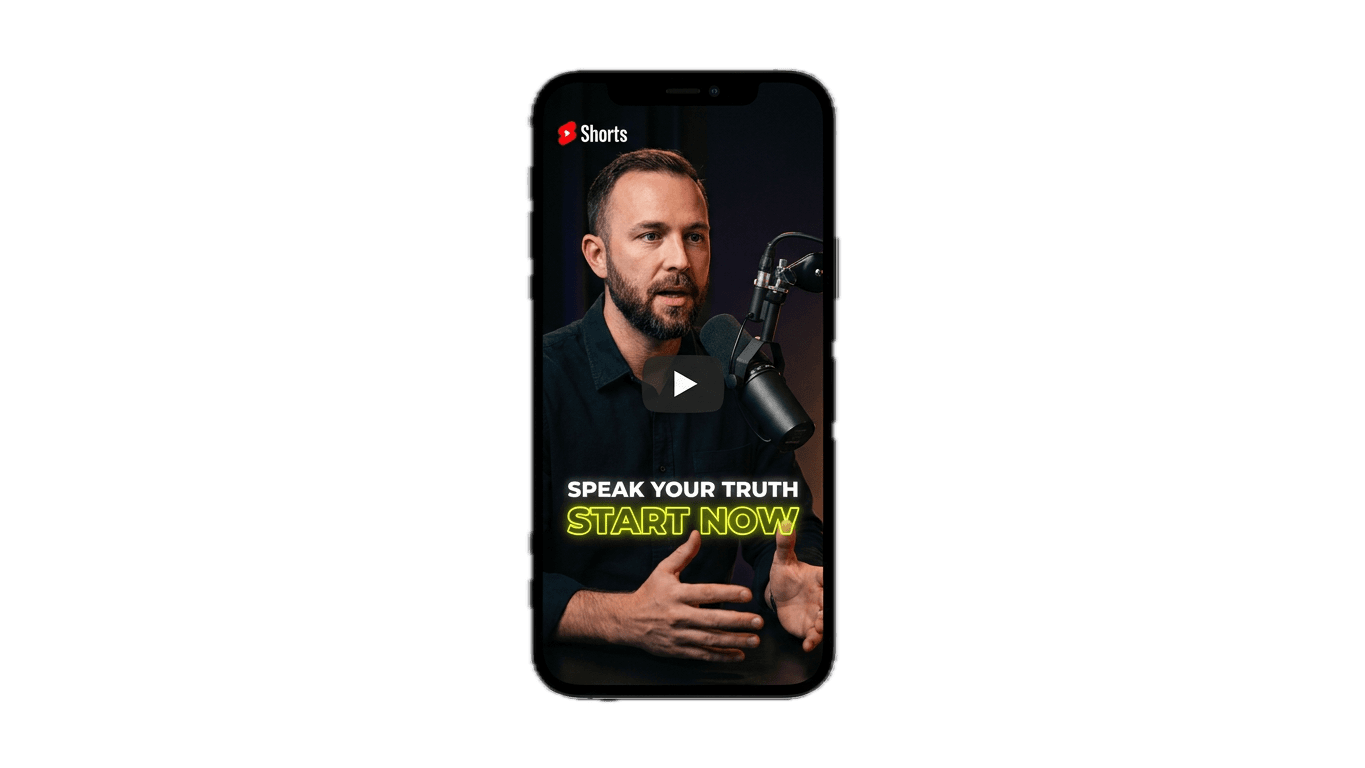
Recording is only part of the job. Without repurposing and distribution, even great episodes fail to reach new listeners.
Most episodes go live once, reach existing subscribers, then vanish — while hours of valuable conversation sit unused.
Clipping highlights, writing posts, and drafting quotes by hand can eat 6–10 hours per episode — time most hosts do not have.
Without a repeatable way to promote across TikTok, LinkedIn, email, and search, growth stays sporadic no matter how good the show is.
Upload one episode and get a complete growth system — clips for short-form video, posts for social, articles for search, and newsletters for subscribers. Everything flows from the same recording.
Explore audience growth, content repurposing, and multi-channel distribution — so your show keeps reaching new listeners.
Podcast audience growth is not about recording more — it is about reaching more people with what you already create. Most shows hit publish and stop, leaving discoverability on the table while the conversation fades from feeds within days.
Consistent clips, written content, and social posts keep your show visible between episodes. That steady presence is what turns casual listeners into subscribers and subscribers into advocates.
Distribute clips on short-form video, posts on LinkedIn and X, articles for search, and newsletters for subscribers — a podcast distribution strategy that runs automatically after every upload.
Drop in audio or video. Your distribution workflow starts automatically — no manual prep required.
Highlights, quotes, and chapter breaks surfaced from the conversation — ready to repurpose.
Vertical, captioned clips sized for TikTok, Reels, and YouTube Shorts — where new listeners discover shows.
LinkedIn posts, social drafts, blog articles, and newsletter copy — all grounded in what was actually said.
Run podcast distribution across every platform. Consistent reach beats recording another episode alone.
Podcast content repurposing turns a single recording into clips, posts, blogs, newsletters, and more — without starting from scratch every time.
Blog drafts for search traffic. Social posts for LinkedIn and X. Newsletter copy for subscribers. Clips for platforms where new listeners discover shows — all from one upload.
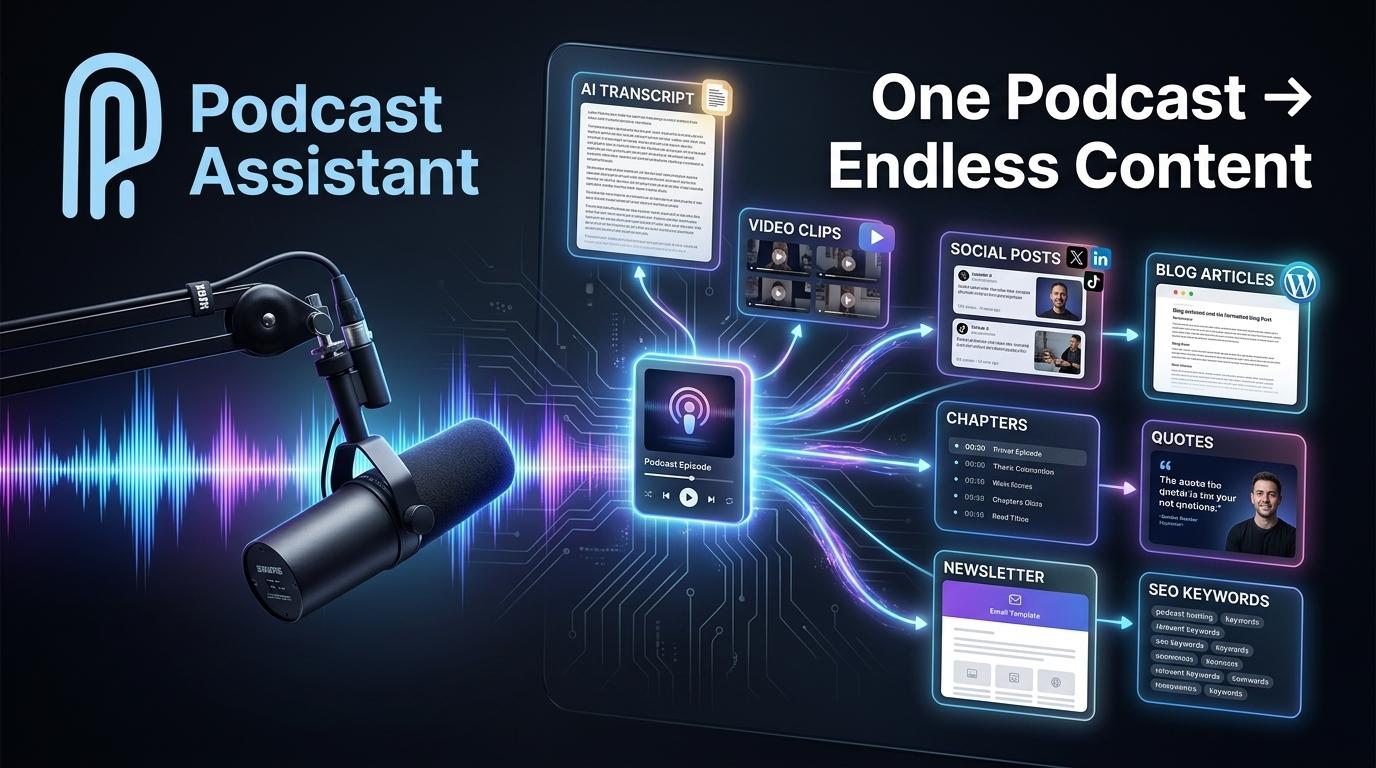
Create AI podcast clips that grow your audience automatically.
Stop scrubbing through hour-long recordings. This podcast clip generator finds the highlights worth sharing and turns them into vertical clips sized for TikTok, Reels, and YouTube Shorts — so every episode reaches people who will never open a podcast app first.
Run a podcast social media workflow that keeps your show visible.
Each episode should fuel a small promo campaign, not a single publish-and-done post. Generate podcast social media content for LinkedIn, X, and Facebook — turn podcast into social media posts you can publish as-is or tweak in seconds.
Create blog post from podcast. Turn podcast into newsletter.
Written content brings in search traffic and gives subscribers something to read between episodes. Create blog post from podcast recordings and turn podcast into newsletter drafts grounded in your actual conversation — not generic filler.
Turn conversations into searchable, reusable content.
Every episode contains ideas worth quoting, referencing, and repurposing. Get accurate, speaker-separated transcripts you can search, edit lightly, and reuse across blogs, newsletters, and social — without transcribing by hand.
Podcast Episode SEO Generator
Generate chapters, headlines, descriptions, and keywords automatically from every upload — grounded in what was actually said, ready for Apple Podcasts, Spotify, and YouTube.
Polish clips without leaving the platform.
When you need more control, trim, caption, and export in the aspect ratios your channels require. Short-form video stops being a separate project you never have time for.
Turn audio moments into scroll-stopping videos.
Share the best lines from your episode as audiogram videos with animated waveforms and captions — perfect for feeds where audio alone gets skipped.
Manual repurposing is the hidden tax on podcast growth. Podcast workflow automation replaces the grind with a repeatable system.
Manual workflow
6–10 hours
Scrub recordings, clip highlights, write posts, draft quotes, and format for each platform — every single episode.
With PodcastAssistant
Under 1 hour
Upload once, review AI-generated assets, and distribute. Save time on podcast marketing without sacrificing quality.
Podcast agencies scale repurposing and distribution across every client. Ship a full content package from every episode — without adding headcount.
Organize episodes across clients and shows in one workspace — built for agencies handling dozens of productions.
Keep every client's content in dedicated projects. Find, edit, and export without digging through scattered files.
Ship more clips, posts, and quotes per client per week. Agencies save hours on every episode they manage.
Share projects with editors, social managers, and producers so everyone works from the same source material.
Multilingual podcast content reaches global audiences from a single episode. Support for 60+ languages means distribution is not limited to one market — transcribe, repurpose, and publish content listeners worldwide can discover.
Whether you host in English, Spanish, German, or Portuguese, the same workflow turns your recording into clips, posts, and written content for international audiences.
4 min read
A step-by-step workflow to turn one podcast episode into clips, social posts, show notes, blog articles, and newsletters — without spending hours editing.
3 min read
Learn how to make a podcast audiogram — what it is, why audiograms get more engagement, the right size per platform, and how to create one in minutes for free.
3 min read
A complete, realistic guide to growing a podcast audience: discovery, repurposing, SEO, consistency, and the systems that compound listeners over time.
Upload once and walk away with clips, social posts, blogs, newsletters, and show notes — ready to publish. Build the audience your show deserves without the manual grind.