
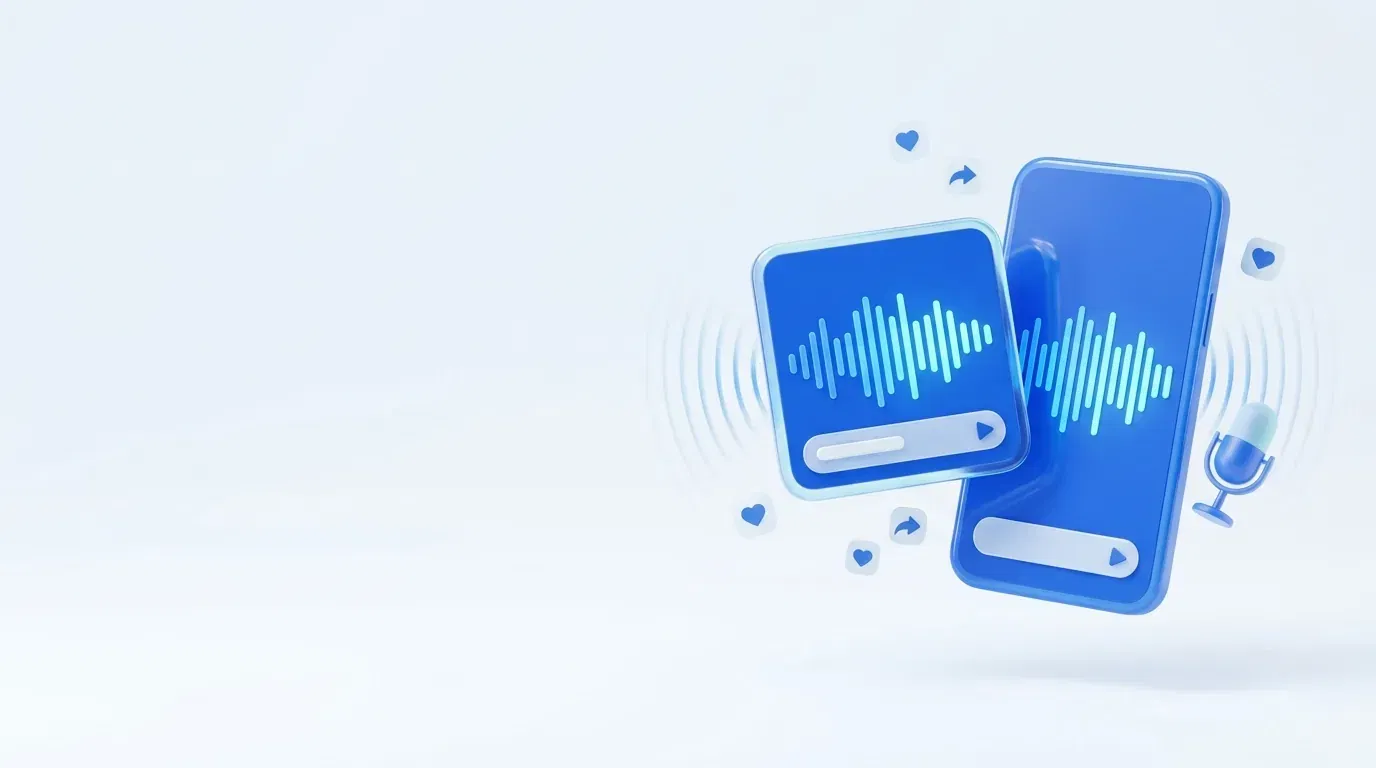
Podcast audiograms that stop the scroll
Turn the best moments from your show into audiogram videos — animated waveforms, on-brand captions, and export-ready files for Instagram, LinkedIn, YouTube, and TikTok. A free audiogram maker built into your podcast workflow.
Start Free- No credit card required
- 60+ languages
- Secure payments via Stripe
- Cancel anytime
Why creators use audiograms
Audiograms make audio feel native to video feeds — the easiest way to promote episodes where new listeners actually scroll.
Audio that looks like video
Animated waveforms turn a clip into feed-native content — no camera, no full video shoot required.
Captions that sell the clip
On-brand captions deliver your message to the majority of viewers who watch with sound off.
Built for every feed
Square and vertical exports fit Instagram, LinkedIn, YouTube Shorts, TikTok, and more.
What is a podcast audiogram?
A podcast audiogram is a short video that turns an audio clip into something a feed can actually show — typically an animated waveform, captions of what is being said, and your show's branding.
Plain audio gets skipped on social. An audiogram gives every quotable moment a video-native format, so your episode reaches people scrolling Instagram, LinkedIn, and TikTok — not just those already in a podcast app.
Why audiograms work
Social platforms push video, and most people watch with the sound off. The moving waveform signals motion that stops the scroll, while captions deliver the message silently.
The result is more watch time and engagement than a static post — and a steady stream of clips that drive new listeners back to your full episodes.
How to make an audiogram
From episode to shareable video in three steps — no editing software, no timeline marathon.
Upload your episode
Drop in your audio or video. The same upload powers your transcripts, clips, and social posts too.
Pick a moment
Choose the line worth sharing. The waveform and captions are generated automatically from your audio.
Style and export
Match the captions to your brand, choose square or vertical, and export ready to post.
Everything included with Audiograms
Podcast Audiogram FAQ
What is a podcast audiogram?
A podcast audiogram is a short video that turns an audio clip into shareable visual content — usually an animated waveform, a caption of what is being said, and your show's branding. Because audio alone gets skipped in social feeds, an audiogram gives your episode a video-native format that stops the scroll.
How do I make an audiogram from my podcast?
Upload your episode, pick the moment you want to share, and the audiogram maker generates a video with an animated waveform and synced captions. Choose a square or vertical layout, adjust the styling to match your brand, and export — no video editing software or timeline required.
Is the audiogram generator free to use?
You can start for free with our Freemium plan — no credit card required. Make audiograms alongside transcripts, clips, and social posts from the same upload, and upgrade only when you need more volume.
What size should an audiogram be?
It depends on the platform. Square (1:1) works well for Instagram and LinkedIn feeds, while vertical (9:16) is best for Reels, TikTok, and YouTube Shorts. Our audiogram maker exports both, so one clip is ready for every channel.
Where can I share audiograms?
Anywhere video performs: Instagram (feed, Reels, Stories), LinkedIn, YouTube (Shorts and Community), TikTok, Facebook, and X. Audiograms are an easy way to promote a podcast on social media without filming video.
Why do audiograms get more engagement than plain audio?
Social feeds prioritize video, and most people scroll with sound off. The animated waveform signals motion and the on-screen captions deliver the message silently — so your clip earns attention and watch time that a static audio post never would.
Explore More Features
Short Videos
Generate viral ready clips for TikTok, Reels, and Shorts.
Social Media Posts
Ready to publish posts for LinkedIn, Facebook, and X.
Automatic Transcriptions
Accurate transcripts with speaker detection in 60+ languages.
Episode Intelligence
Generate chapters, headlines, descriptions, and keywords automatically.
Ready to make your first audiogram?
Turn episode audio into shareable waveform videos alongside transcripts, shorts, and social posts.
Try for free our Freemium model (No credit card required).
From the blog
View all articles4 min read
How to Repurpose a Podcast Episode Into 30+ Pieces of Content
A step-by-step workflow to turn one podcast episode into clips, social posts, show notes, blog articles, and newsletters — without spending hours editing.
3 min read
How to Make a Podcast Audiogram (Free, Step by Step)
Learn how to make a podcast audiogram — what it is, why audiograms get more engagement, the right size per platform, and how to create one in minutes for free.
3 min read
How to Grow a Podcast Audience in 2026
A complete, realistic guide to growing a podcast audience: discovery, repurposing, SEO, consistency, and the systems that compound listeners over time.